
Remote support needs a clear exit
Viewing, diagnosing and updating are different permissions. Fleet buyers should know who can connect, what they can change and how the service session ends.
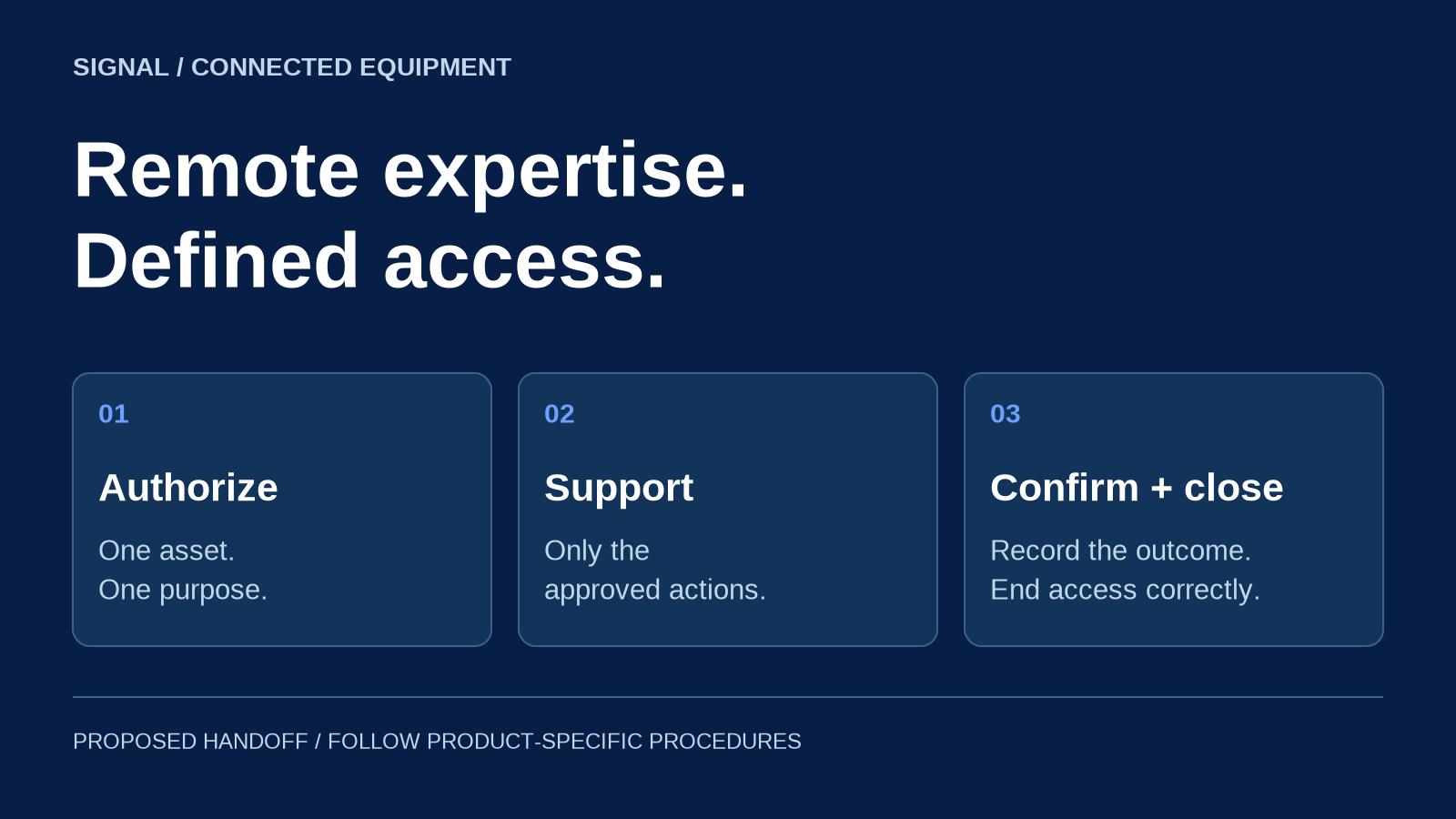
BLUF
Remote expertise can reach a machine before a service truck does. The buyer should still control the job. Caterpillar and John Deere document distinct capabilities for diagnosis, display assistance and software updates. For equipment and fleet managers, the useful buying decision is to specify the permitted action, the person authorizing it and the evidence that the session has ended properly.
Three capabilities hiding behind one word
Remote support sounds like a single feature. In practice, viewing a screen, running diagnostics and installing software are different services with different consequences.
Caterpillar says Remote Troubleshoot lets a dealer receive machine information and conduct diagnostic testing on connected equipment while it is powered on, including while it operates. The stated purpose is to help identify the problem before a technician arrives with the necessary tools and parts. Availability and specifications require confirmation with the local dealer. This describes the manufacturer's supported diagnostic workflow; it is not permission to perform arbitrary tests on any running machine. Cat Remote Troubleshoot.
Cat's separate Remote Flash description concerns software installation. For an eligible asset with the required telematics hardware, the dealer sends available files to the machine. An authorized customer employee or dealer representative confirms readiness, initiates the update and confirms performance afterward. That is a different handoff from a technician observing diagnostic information. Cat Remote Flash.
Our conclusion for buyers: put those capabilities on separate lines in the specification. A fleet may need diagnostic assistance frequently and software changes on a different schedule. An account that can see operating data should not automatically be assumed to have authority to change the vehicle. Ask the supplier to show the actual permission model, including any limitations in how narrowly access can be granted.
The word connected is doing too much work if it also means approved, compatible and ready.
Make the session visible to the crew
John Deere's S7 combine display help provides a concrete interface example. It describes Remote Display Access as sharing the operating display, with a blue outline indicating an active session and an End Session control on the display. The same help distinguishes Remote Display Control with a Control label and yellow outline. It also notes that poor cellular signal may prevent a session connecting. These are features of the documented display environment, not a claim about every Deere machine or a remote-driving function. John Deere display help.
For a mixed fleet, we would ask an operator to explain a demonstration in plain language: who is connected, what can that person do, and where is the approved way to end the session? If the answer requires somebody at headquarters to interpret a status icon, the handoff needs work.
The operator's view and the office record should describe the same event. A named specialist working on a specific machine for a stated reason is easier to account for than an unexplained connection associated with a general support account. Where a product cannot provide the requested visibility, document how the supplier and fleet will manage that limitation before deployment.
Give access a purpose and an end
NIST's operational-technology security guide recommends limiting remote access to a justified business need, considering multifactor authentication, monitoring remote activity and removing access when it is no longer required. It also emphasizes keeping operations personnel aware of planned access. This is general OT guidance, which we use to frame procurement questions; it is not a vehicle certification or evidence that either manufacturer's product meets every recommendation. NIST SP 800-82 Rev. 3, section 6.2.10.
For a trial, we would attach a short access record to the service job:
| Question | Evidence the fleet should request |
|---|---|
| Which machine and issue? | Asset identity, reported symptom and service-job reference |
| Who is helping? | Identifiable support person or accountable service team |
| What action is approved? | Scope distinguishing observation, diagnostics and changes |
| When can it happen? | Agreed work window and product-specific readiness conditions |
| What closes the job? | Session-end record, result and any outstanding actions |
This is a proposed purchasing and operating record, not a statement that all products expose these fields. Its value is making omissions visible while the buyer can still ask for an explanation.
The exit deserves a demonstration too. NIST cautions that a remote-access disconnect should not disrupt OT operations and that personnel need training in its use. For a vehicle, the supplier should explain the supported response to a lost link, an interrupted session and an incomplete update. A timeout is not a substitute for that procedure. Do not improvise a disconnection during a live software installation. NIST, OT discussion of AC-17(9), printed page 233.
Run the acceptance test around an ordinary service job
Consider a hypothetical contractor whose machine reports an intermittent fault. The first task is to establish whether remote diagnosis is supported for that asset and symptom. A technician might need data before deciding whether a visit is necessary. That does not automatically authorize a software change, and completing a remote session does not establish that a physical fault has been repaired.
In a supplier-led demonstration, trace the job from the operator's request to the service record. Confirm the asset identity and approved action. Observe how the local team knows the session is active. Then have the supplier demonstrate its normal completion process and explain how unresolved work is handed over.
A software-update demonstration should be planned separately under the applicable equipment instructions. Ask what readiness means for that configuration, what indicates successful completion and who decides the machine is available for its next assignment. Keep interrupted-update scenarios to an approved training environment or a documented walkthrough; a working production vehicle is not a test bench for improvised failure experiments.
Connectivity belongs in the acceptance discussion. Establish what support remains available when the remote session cannot connect, who receives the service request and what information the crew can provide through an approved alternative. The published Deere guidance makes one limitation explicit. The fleet still needs the answer for its own equipment, coverage and support arrangement.
Measure the complete intervention
We would evaluate remote support through actual service cases: time to a useful diagnosis, whether the first visit carried the right equipment, whether another visit was needed, and whether the original issue recurred. Include unsuccessful connection attempts and jobs that still required on-site work. Compare similar fault categories so an easy reset does not stand in for a difficult mechanical repair.
The commercial opportunity is a better use of scarce expertise. The buying case should include connectivity, subscriptions, technician availability, operator training and the work required to maintain access records. No universal savings percentage follows from the presence of a modem.
As VoltSmiths develops work vehicles, this is a useful design question alongside service access and wiring: how can a qualified person help the crew, within a clear scope, and leave an understandable result? A capable support system should make both the intervention and the return to ordinary work easier to manage.
Sources and further reading
- Caterpillar — Remote Troubleshoot: diagnostic scope and regional availability
- Caterpillar — Remote Flash: eligibility and authorized-user handoff
- John Deere — S7 combine Remote Display Access and Remote Display Control indications
- NIST — Guide to Operational Technology Security, September 2023: section 6.2.10 and AC-17(9)